Virtual events. The whole program, online.
Most events on Eventtia happen in rooms. Some need to reach beyond them. A speaker who can't fly in. Partners watching from another time zone. Attendees who registered but missed the day. The virtual stage is for those moments.
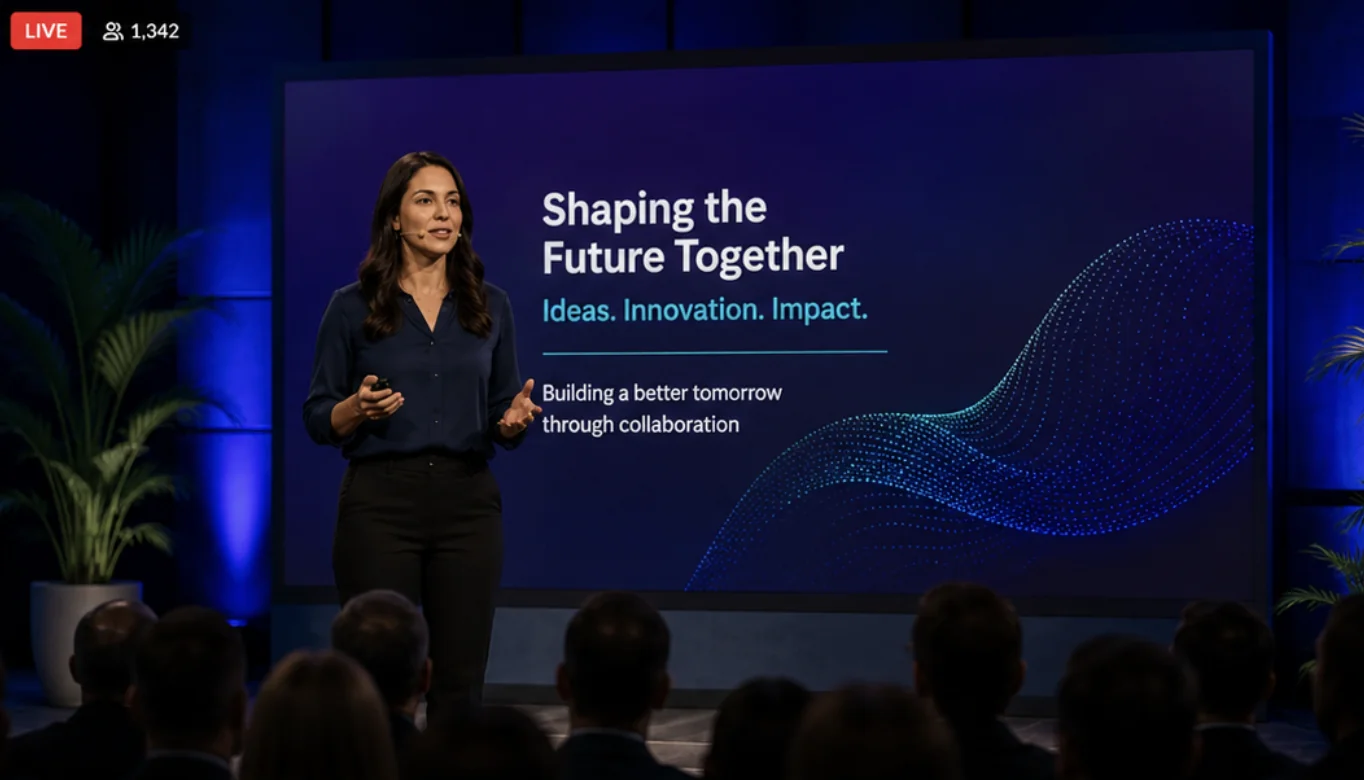
A branded stage, streaming, and the engagement modules you'd run on-site.
A branded space shaped to your event: pick a layout, set your colors, choose the modules each session needs. Then build the program (keynotes, panels, breakouts, 1:1 meetings) on the same platform that runs your registration, with attendees, agenda, and data in one place. Not a webinar tool, but the venue your whole event runs in.
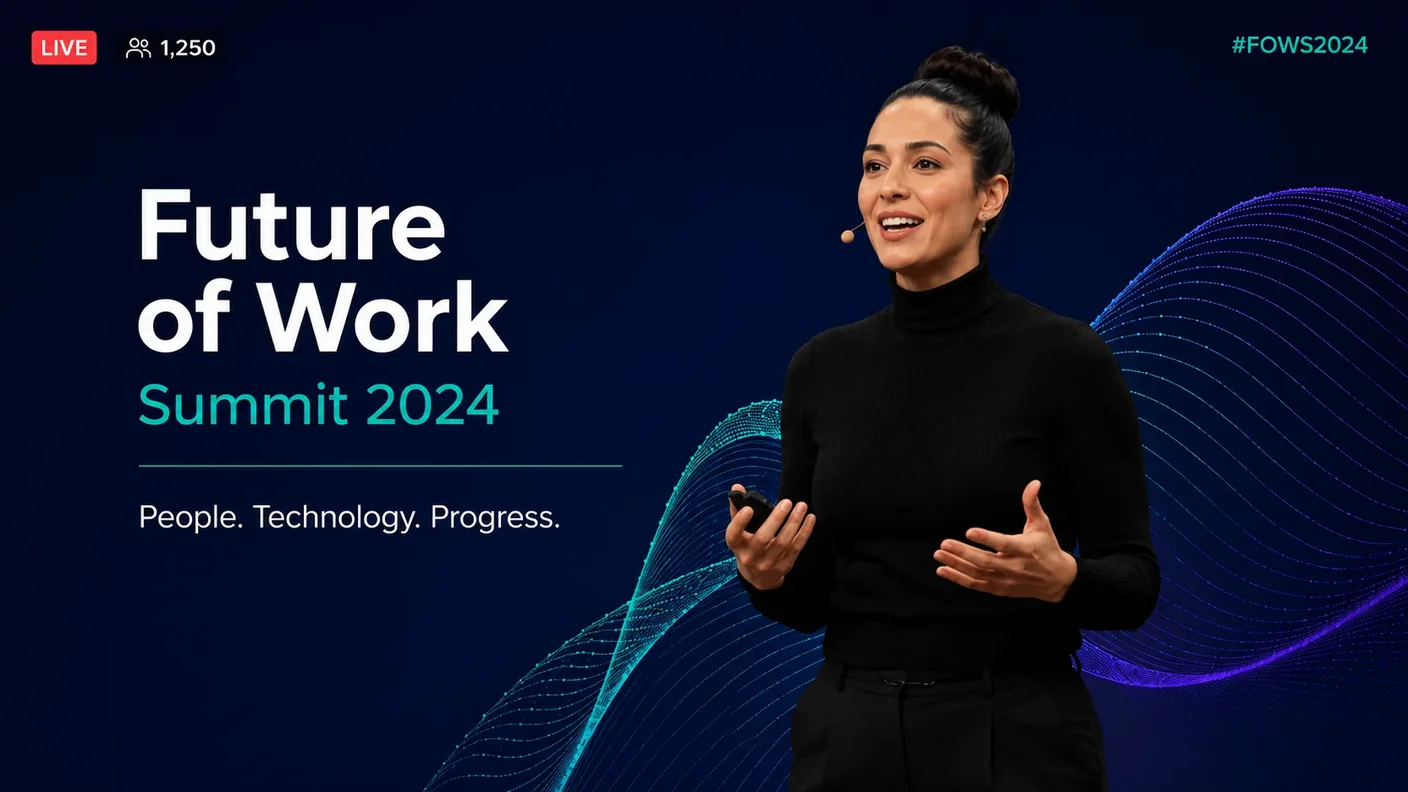
Future of Work Summit 2026 · live broadcast view
Build the Virtual Stage. The way you'd build the physical one.
The Virtual Stage is the digital equivalent of the room you'd rent. Pick a layout. Set brand colors, drop in your logo. Each session in the program gets its own stage. Each stage has its own modules and its own permissions.
- Module-based layout. Q&A, polls, leads, social wall, chat, downloads, sponsor blocks. Add or remove per session.
- Brand control. Your colors, your logo, your background. The stage doesn't have to look like a SaaS template.
- Per-session permissions. Some sessions open to everyone, others gated by attendee type or invitation.
- Custom modules. Add your own beyond the defaults. Dress code, venue map, sponsor packages, anything specific to your event.
- Program
- Speakers
- Attendees
- Q&A Sessions
- Polls
- Social Wall
- My Leads
- Sponsors
- Chat
Keynotes, panels, meetings. One stage, every session shape.
The Virtual Stage hosts the full shape of your program. A keynote with one speaker and thousands watching. A panel with five experts and live audience Q&A. A scheduled 1:1 between two attendees. Speakers connect through Eventtia Studio, or you bring your existing Zoom, YouTube, or Vimeo feed straight into the stage.
- One-to-many. Keynotes and broadcasts with one speaker and the full audience watching live.
- Many-to-many. Panels, breakouts, multi-speaker discussions with moderated Q&A.
- One-to-one. Scheduled 1:1 meetings between attendees (see B2B matchmaking).
- Eventtia Studio or bring your own feed. Speakers connect through our greenroom, or pipe in Zoom, YouTube Live, Vimeo, Webex, or Teams. Whatever your production already uses.
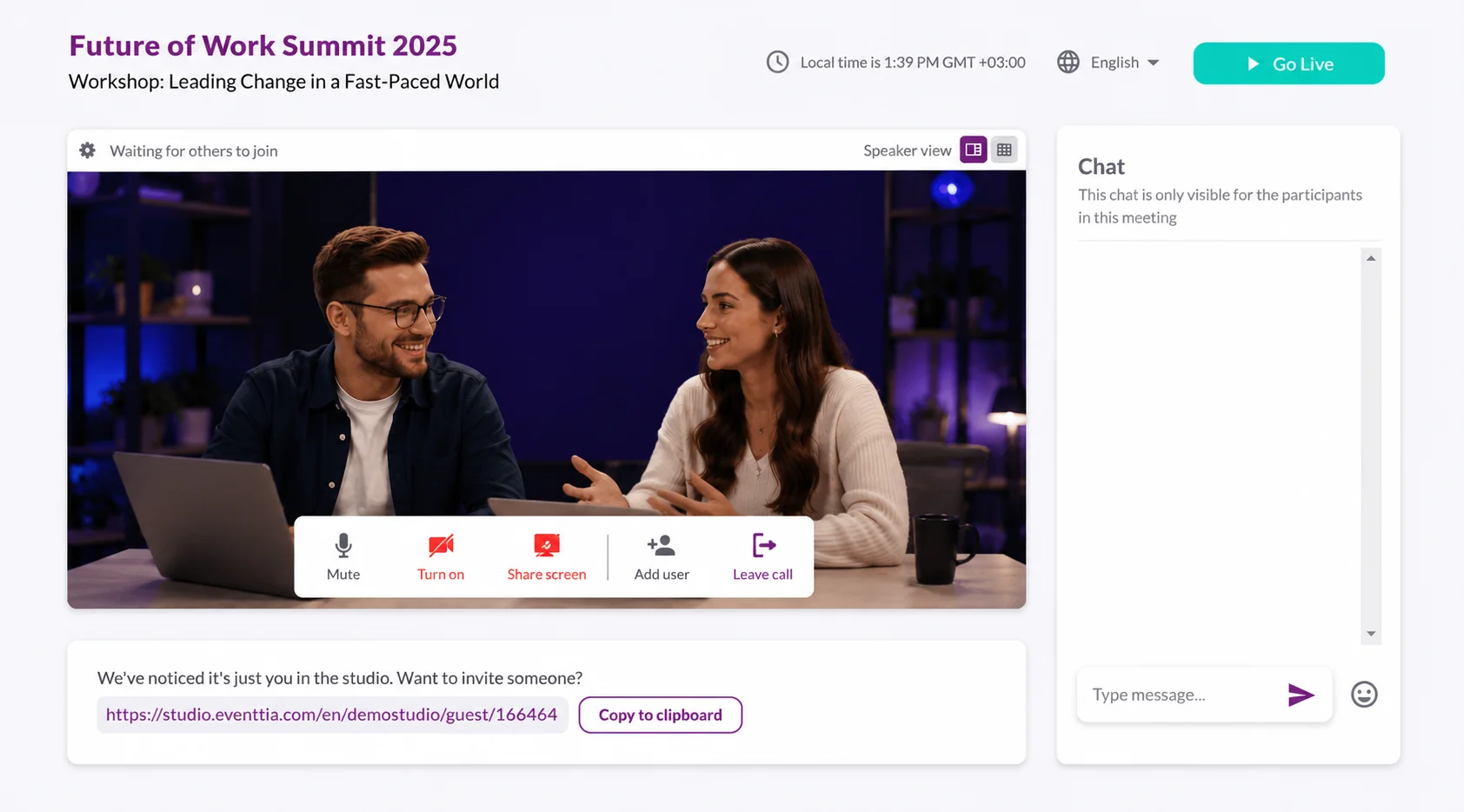
Watch the event happen. Live, from one dashboard.
During a virtual event, the room is everywhere. Event Commander shows what's happening across all of them in real time. Who's registered, how attendance is tracking against your target. A live activities feed shows each session as it opens, fills, and ends.
- Live attendance. Registered, online now, attendance rate. Updated as people join.
- Live activities feed. Every session in the program with attendee count and time progress.
- Notifications. A message to every screen in the event, sent from one panel.
- Networking pulse. Meetings scheduled, pending, completed. The matchmaking engine in real time.
-
09:00 — 09:45
Opening Keynote · People, Technology, ProgressSarah Chen1,247 watching
-
10:00 — 10:45
Panel · The AI-Augmented WorkforceMarcus Johnson, Olivia Bennett142 in lobby
-
11:00 — 11:30
Workshop · Hybrid by DesignHenry Walker0 in lobby
The same engagement modules you'd run in the room.
Q&A, polls, social wall, chat moderation, leads capture, downloadable files. The modules that work for the on-site experience work for the virtual stage too. Same UI for attendees on a laptop, same moderation tools for the team running the event.
- Q&A. Attendees submit, moderators approve, upvote, group, or hide. Top questions surface on the stage.
- Live polls. Multiple choice, open text, rating. Results render on the stage in real time.
- Social wall. Curated feed of attendee posts, moderated before going live.
- Leads capture. Attendees opt in to share their details with specific sponsors or speakers.
-
 How are you handling localization for next year's program?
 -
 Is the dashboard exportable to Salesforce?
 -
 When will the recordings be available on-demand?
 -
 Can we tag speakers for follow-up after the session?
Hybrid. On-demand. One platform.
Same session, room and online.
When the room is full and the audience is global, the same broadcast runs on-site and online. Questions and polls from both audiences land in the same queue. One registration, one program, two audiences watching. For one-to-one hybrid meetings, see B2B matchmaking.
Sessions live on past the day.
Every session can be recorded and archived to the virtual stage. Attendees who registered but missed the live time watch later. Watch-time analytics, Q&A logs, and poll results stay accessible. Recordings export to MP4 for archival outside the platform.
Same registration, same data, same brand.
Virtual sessions sit inside the registration cycle that powers your in-person events. One attendee record, one set of analytics, one brand across email and stage. Data exports to CSV or via API into your CRM.



Virtual & hybrid, answered.
Is this a Zoom replacement?
No. Zoom is built for live conferencing where everyone in the call participates with their camera and mic. Eventtia is built for events: registration, multi-session schedules, on-site check-in, branded attendee experiences. The virtual stage is one piece of an event platform, not a video conferencing replacement. If your event has speakers and an audience that mostly watches, the stage fits. If everyone in the call needs to talk to everyone else, Zoom is the right tool.
Can I run a fully virtual event on Eventtia?
Yes. Most customers don't, but the platform supports it. For purely virtual conferences with large audiences and no in-person component, dedicated virtual event platforms like ON24, Hopin, or Goldcast tend to be a better match. That's their specialty, not ours. We're built around in-person and hybrid programs, with the virtual stage included for the broadcast moments those programs need.
What streaming sources does the virtual stage support?
Eventtia Studio for direct broadcasts from the platform. External: Zoom, YouTube Live, Vimeo, Webex, Microsoft Teams, plus RTMP from any encoder you use. Streams embed in the virtual stage with the rest of your modules around them. One session can also pull from multiple sources if your event has a main stage, a sponsor booth, and a breakout room running in parallel.
Can hybrid sessions handle breakout rooms?
Yes. Breakouts run as separate virtual stages. Same registration, separate streams, separate engagement modules. For 1-on-1 meeting breakouts where one person is on-site and the other is remote, the matchmaking module handles that with its own session engine and shared time grid.
How long are recordings hosted?
For as long as your event's accessibility window stays open. After the event closes, recordings can be exported as MP4 files for archival outside Eventtia, or kept on-platform if your plan includes extended access. Engagement data (Q&A logs, poll results) is exportable separately.
What about webinars?
Single-session events with one speaker and a passive audience work technically. But webinars are simple enough that dedicated tools (GoToWebinar, Demio, BigMarker, Zoom Webinar) usually have a cleaner workflow for invites, email marketing, and post-webinar reporting. The Eventtia stage fits better when the event is bigger than one session and the audience is part of a broader program.
We'll show you what the broadcast would look like.
A short call, no deck. Bring the shape of your event: who's in the room, who's watching remotely, how the day is structured. We'll walk through how Eventtia would broadcast it and where it does and doesn't fit.
Talk to us →